


I got curious about how LLM agents "see" web pages when they use a browser tool. Turns out the Cursor coding agent lets me see it for myself!
TLDR: When Cursor decides to open a webpage with its built-in browser, the browser tool converts the page into a clean, bulleted outline before passing it to the LLM.
How I saw it for myself
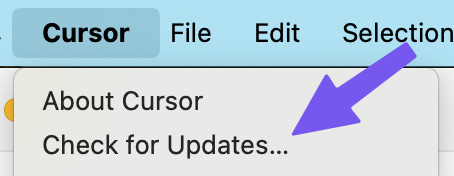
Make sure you’re on the latest version of Cursor (they recently updated this feature).

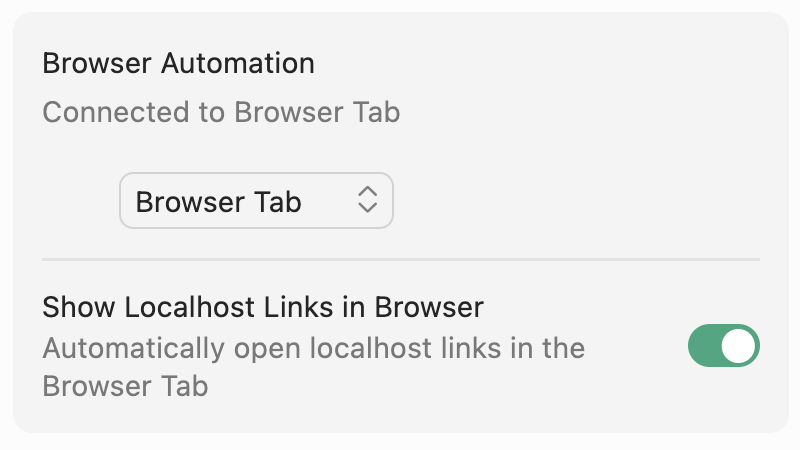
Enable the browser tool in Cursor by visiting Settings > Tools and turn on “Browser tab”
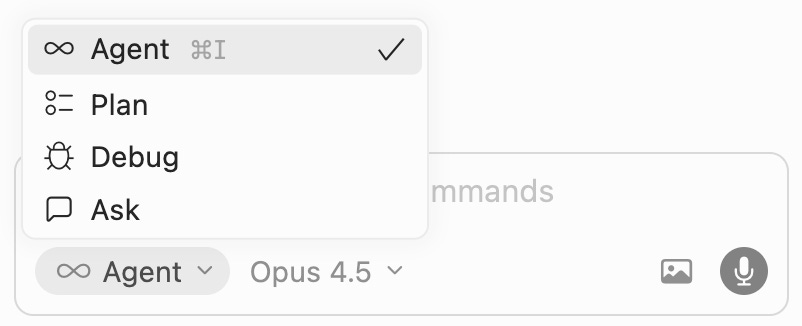
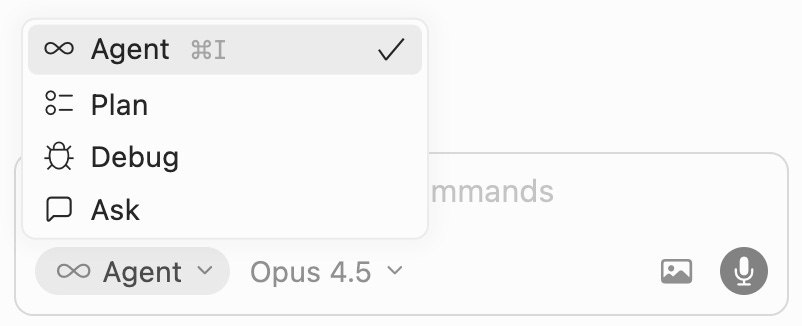
Make sure your chat is in “Agent” mode (and choose Claude Opus for its tool-calling prowess)
Ask your LLM to open a webpage in a browser tab:
Please open https://www.worldhappiness.report/ in a cursor browser tab (no other way)If that doesn’t work, cajole it.
If that doesn’t work, firmly insist.
&@%#$
Look at the “browser tool call” in the chat, click into it, and open the file.
You’ll see the “webpage snapshot” file - that’s what gets passed to the LLM context
What the LLM “sees”
In that file, you’ll see “YAML” format, which is a (relatively) human-readable outline of content. This preserves HTML’s hierarchy while stripping away the noisy tags, javascript, and CSS that aren’t relevant to the LLM.
(YAML stands for “YAML Ain’t Markup Language.” …nerds).
To be clear - the LLM isn’t distilling the webpage. The browser tool is doing the work. An LLM would be a slow, expensive, and imprecise way to convert HTML to YAML. This is a perfect task for old-fashioned, deterministic code.
To summarize, the browser tool converts the webpage to YAML and puts it in the LLM’s context window. That’s it. Once I saw that, I could stop thinking of “AI browsing” as something magical and mysterious.
However, YAML isn’t the only way that agents look at webpages. "Claude for Chrome" alternates between text extraction and taking screenshots. I’ve seen both Cursor and Replit take screenshots while vibe coding to verify visual, frontend changes.
Which method is better? It’s a tradeoff. From Anthropic:
Browser use agents require a balance between token efficiency and latency. DOM-based interactions execute quickly but consume many tokens, while screenshot-based interactions are slower but more token-efficient.
For example, when asking Claude to summarize Wikipedia, it is more efficient to extract the text from the DOM. When finding a new laptop case on Amazon, it is more efficient to take screenshots (as extracting the entire DOM is token intensive).
(“DOM” means “webpage HTML” in this context)
You can empower the agent make the call. That way, it might try the YAML route, see thin results, and decide that screenshots are a better choice:
In our Claude for Chrome product, we developed evals to check that the agent was selecting the right tool for each context. This enabled us to complete browser based tasks faster and more accurately.
I could read Anthropic’s blog posts all day, but Cursor lets me see it for myself in my daily use. It's an agent harness running right in front of me!
If you’re on a product team, or work with product teams, set aside 3 minutes to play with this. It’ll build your AI product sense better than any newsletter.
-Tal