


This week I asked AI:
“What decisions did we actually make this week that aren’t documented anywhere?”
“What did I even DO today? Where’d that time go?”
“What two things things this week seem unrelated but might actually connect?”
All three answers were a kick in the pants. The third one was so spot-on, it made me uncomfortable.
How did Opus 4.6 know so much about me? Sure, it’s a smart cookie that has context on my work, memory, and integrations. And now it has one more thing:
Using Familiar, AI now watches my computer screen. All. The. Time.
What is Familiar?
Familiar is a desktop Mac app that takes everything that passes through your screen (and clipboard) and saves it as context for your existing AI (OpenClaw, Claude Cowork, Claude Code, Codex, Cursor, Antigravity, you name it).
Familiar is free, open source, and offline.
Familiar runs in the background from the moment you start your Mac.
You install it, and your AI just gets smarter. It runs quietly in the background from the moment you start your Mac. No habits to build, no interface to learn.
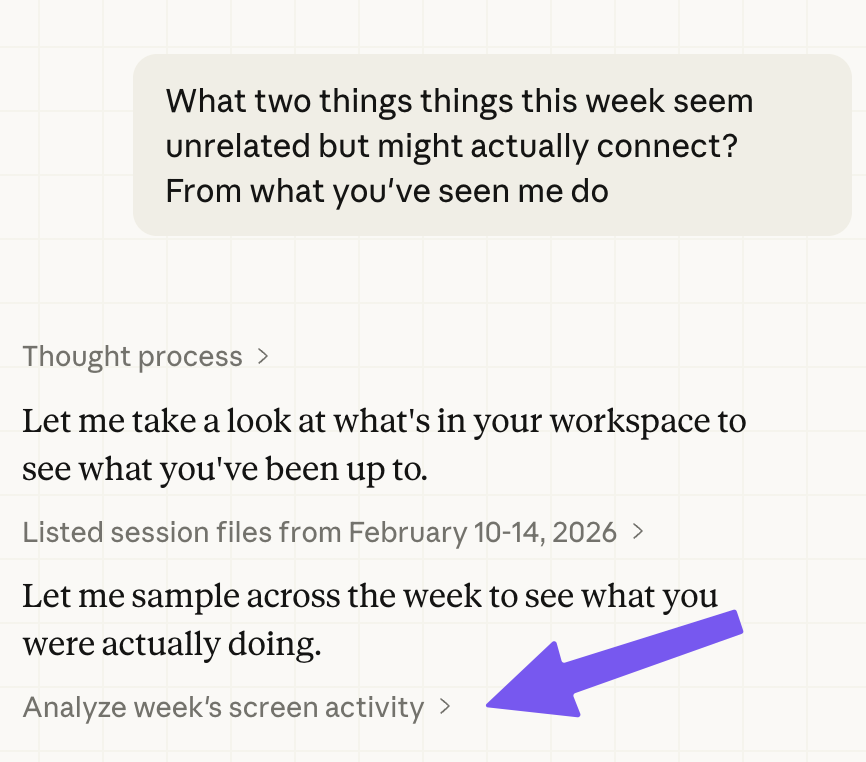
What can I do with it?
I finally have a partner who sees everything I see. Imagine asking your favorite AI agent:
"I'm going on parental leave. Based on my last 3 months, what does my replacement need to know about each initiative?"
“I need to write my weekly status update and my brain is completely empty”
“Who am I not talking to enough?”
"What were the exact arguments for and against the decision we made about the pricing model? I need to brief my new director."
“I just had a breakthrough solving a problem. Reconstruct the exact sequence so I can document/communicate it.”
"I've been bouncing between Slack threads and Google Docs for two hours and my brain is soup. What are the open threads I still need to respond to?"
The answers are good, and they get better with every passing minute.
How does it work?
Familiar looks at your screen every few seconds and converts it to text using Apple’s native OCR.
It also saves everything that passes through your clipboard (this includes most third-party speech-to-text tools, too)
All these text files go in a local folder of your choosing (we recommend placing
/familiar/inside wherever you work with your AI agent)
That’s it. We kept it simple. Just a menu bar icon, so you can pause or quit anytime.

As you use your AI thinking partner, it can use that context to help you. (To make that smooth, Familiar can auto-add a Skill, a text file that tells your AI when and how to use your new folder.)
We’ve observed AI agents use Familiar as one more layer on top of tools, file system, skills, and the LLM’s own knowledge. Context compounds: each source fills the blind spots of the others, and the AI starts connecting dots none of them could surface alone.
We’re excited about screenshots. Screenshots have information that MCPs and APIs don’t: behavior signal on where you spend your focus and attention. The Google documents and Slack threads where you linger speak volumes about what's important. Where you spend your time is valuable context.
Screenshots are also immune to SaaS companies anxiously walling off your data (not naming names).
And yes - OCRing screenshots is messy, often illegible to humans. LLMs are beautifully antifragile to messy input.
We stand on the shoulders of giants: Rewind, Recall, Dayflow, and others who watched your screen before us. We’re especially grateful to Louis Beaumont, creator of Screenpipe, who met us in person and was super encouraging.
Familiar is unique in two ways:
We’re focused on one use case: raw context for your existing AI agents.
Timing
Why now?
The models are good enough.
The latest AI models are resourceful. You can give them a directory full of files, and watch them glide across stupidly large amounts of messy text with the simplest of tools. They’re increasingly proactive in managing their own context with tactics like context editing and subagents. As a result, Familiar doesn’t need to capture everything perfectly; it’s just the starting clues for an agent.
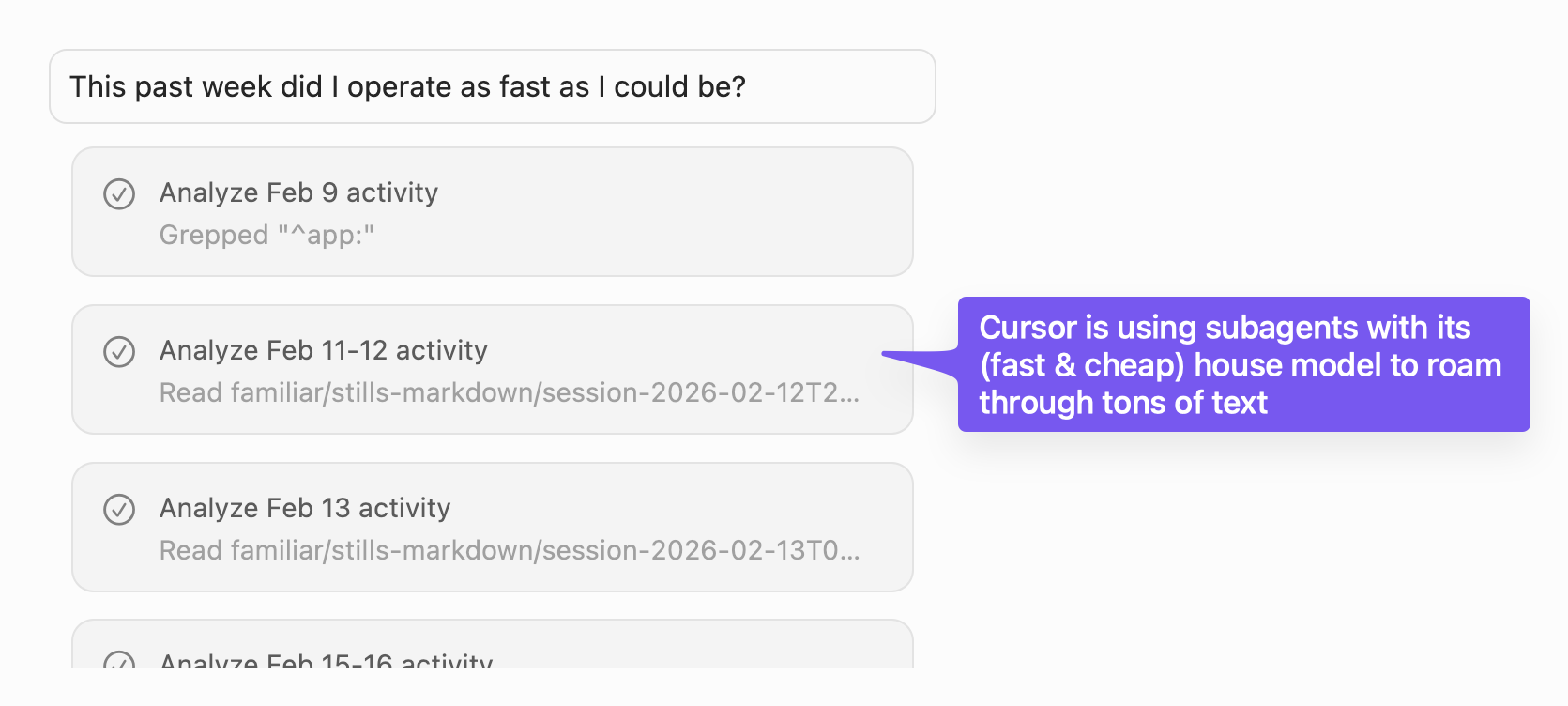
Something about AI has changed in recent weeks. When I watch my AI agents at work, I feel more like a biologist than an engineer. I spend more time humbled by complexity-bigger-than-my-brain, less time inspecting the gears of a clock.
I’ve stopped patronizing and coddling AI. These days I just give it all the context I have, get out of the way, and let it rise to the occasion.
In other words, the Bitter Lesson has reached our use case. The answers aren’t always perfect, but like everything with AI, I take the good and leave the bad. And the good is pretty damn good.
Tal, this scares the crap out of me
It scares us, too. We’re leaning into it.
This is a good time to introduce my co-founder, Maxim Vovshin. He’s an early contributor to OpenClaw, ex-Orca Security, and ex-military intelligence. (He’s also my second-cousin’s-husband, which in a country of 10 million, could refer to 50% of the population).
We decided that for this crazy idea to work, it would have to be:
free
offline
As a result, Familiar is the security equivalent of “taking a screenshot and saving it to your hard drive.” That’s allowed even in windowless, underground rooms in the Pentagon.
From there, it's your LLM of choice. For sensitive work information, that should be the provider you have an enterprise contract with, or your company’s internally hosted models.
What if I Google something embarrassing?
You can pause or quit Familiar anytime. You can also directly go to the file and delete as much of the context as you want.
Why did you build this?
We want this.
We’re also not alone. I have the privilege of accessing hundreds of product people who are doing everything right when it comes to using AI. Yet in 1-1 conversations, they all hit the bottleneck of “keeping AI updated.”
"I feel like a lot of what I do is getting the right context to feed into models right now. And currently, that's a lot of copying and pasting." - Product Manager
"I've been desperately trying to figure out how to best automatically manage my AI's context (primarily from Google Docs, Jira, Figma for design files and my product scrapbook, and Granola for notes) without having to explicitly upload PDFs or call out specific file names proactively. I have not been able to crack it though." - Product Manager
“The approach of ‘use AI as your assistant with broad knowledge so it can do everything’ just hasn’t worked. I end up spending too much time trying to give it enough context to think like I would.” - Product manager
These people are incredibly AI-forward and hardworking. Some work hard to do this manually: dedicated time blocks, scrapbooking, and lots of copy and pasting. These people’s time is rare and expensive, so that tells us how valuable that is.
Normal people can’t afford to do that. Imagine how many could benefit if we made this slightly easier.
We want everyone to leverage their hard work—the thinking and writing scattered across their tools—with AI, no extra effort.
Who might want this?
The answer today: AI-forward geeks like us who use AI locally (Claude Cowork, Cursor, Claude Code, Codex, OpenClaw etc).
Long term, we’ll make this less geeky (local AI agents are just our starting point). We'll also bring it to teams and enterprises.
“I want peace of mind that my own self and my company are not operating with amnesia, and that they're constantly getting better at the fastest rate they possibly can.” - Founder
Why is this free, open source, and offline?
We envision a world where every knowledge worker runs Familiar (or something like it). Getting there requires being free, open source, and offline.
We're inspired by Peter Steinberger, whose approach to OpenClaw showed us that “having nothing to lose” is a great strategy. We’re building this because no responsible company in their right mind (e.g. with revenue and legal teams) would build this. (Maxim and I frequently answer each other with “WWPSD.”)
We believe in positive-sum games. A world where every knowledge worker runs Familiar (or something like it) is a world with abundant opportunities.
How can I get involved?
We’re onboarding 30 alpha testers over the coming week
It's up on GitHub, though we'd love 10 minutes to onboard you.
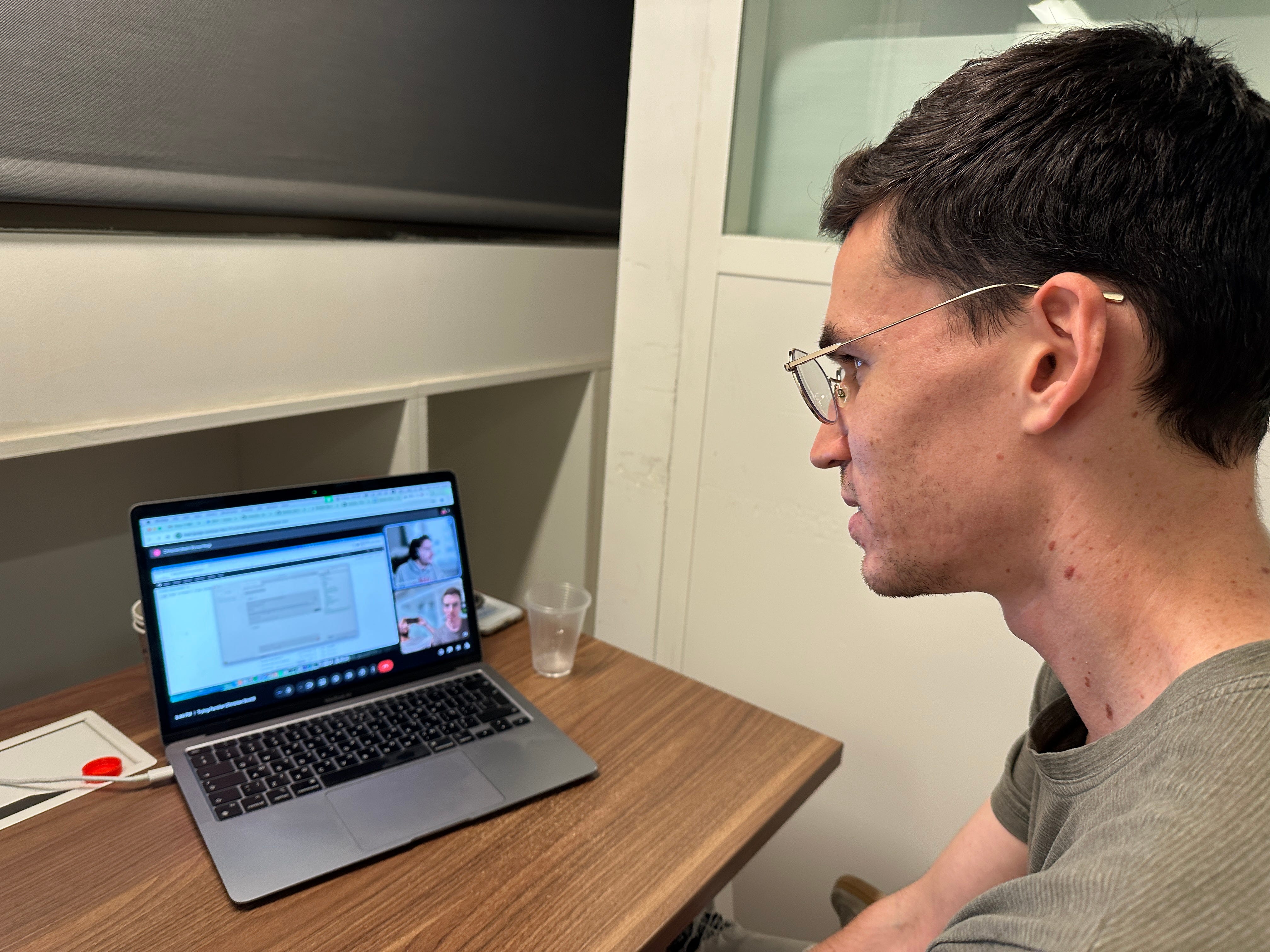
Not ready to book? Hit reply. Tell us you’re interested, tell us we’re nuts, tell us you want Windows, whatever’s on your mind. I read and respond to everyone.
Join our open-source community
The repository is here. Nothing makes nerds like us happier than a ⭐️ on Github.
I can't imagine working without AI sitting over my shoulder, watching everything
I know that’s a weird sentence, but AI needs wayyyyyy more context, and that context is so much bigger than my past chats or MCP integrations.
I'm getting answers that would be impossible even for the highest-paid coach. No human can watch my screen all day, remember everything, and provide piercing answers on demand. For any amount of money.
With Familiar, AI can.
Congrats on the launch!!
Already using this daily and beginning to integrate into my workflows as a always on memory of what I did
Love this. Download can be simpler. Users can download the wrong architectural release. Opened a PR to help with this. https://github.com/familiar-software/familiar/pull/7